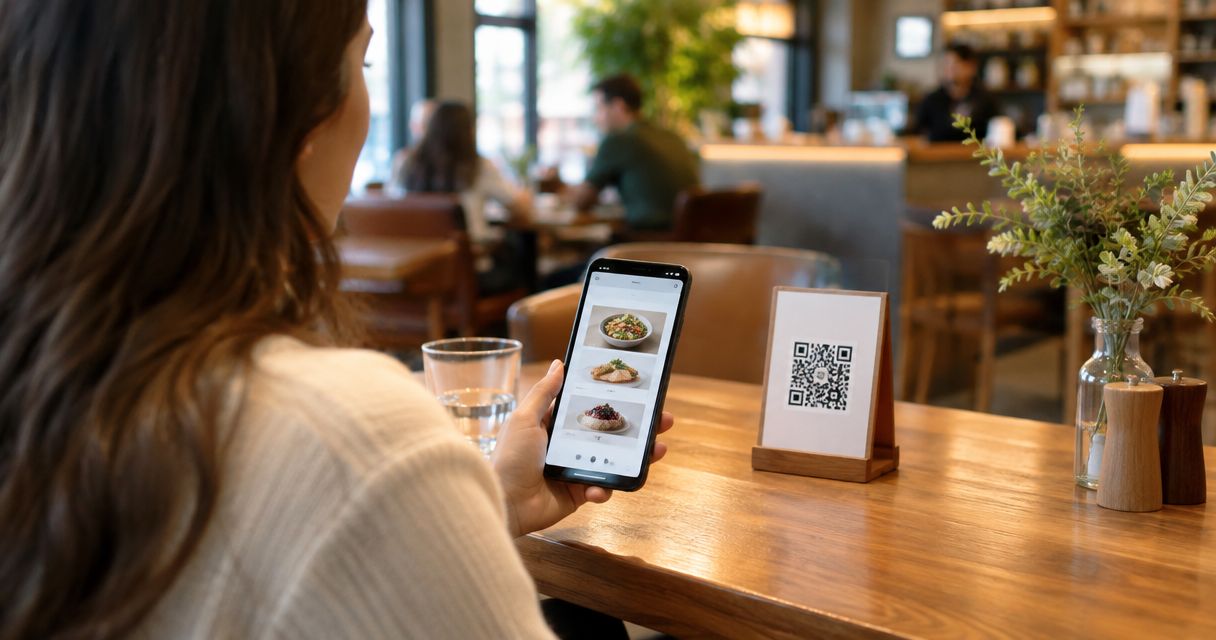
Choosing a QR code menu app in 2026 comes down to one question: does the tool just show a menu, or does it close the sale? Best overall: Link Mahal, for restaurants and cafés in Lebanon and the diaspora that want a QR menu tied to WhatsApp checkout. Best for multi-location management: MENU TIGER. Best free/budget option: Waiterio. The other four fill specific gaps: delivery sync, marketing reach, POS-locked ordering, and pay-at-table tabs.
- Link Mahal is the top qr code menu app for 2026 for restaurants running WhatsApp-based ordering in Lebanon and the diaspora.
- MENU TIGER wins for chains managing menus across several branches from one dashboard.
- Waiterio is the simplest free-tier option for a single small café.
- Toast only makes sense if you already run Toast POS in-house.
- Every qr code menu app on this list gets a Buy, Hold, Wait, or Skip call below.
Why this matters
A printed menu costs money every time a price changes. A QR code menu app removes that cost and adds something a paper menu never could: a checkout path. In 2026, the split in this category is no longer "digital vs. paper" — it's whether the app stops at showing items or actually takes the order and the payment.
For restaurants in Lebanon and among the Lebanese diaspora, that second part matters more than usual. WhatsApp is where customers already are, and a menu that can't move into a WhatsApp chat and finish a sale is leaving orders on the table.
What makes the best QR code menu app
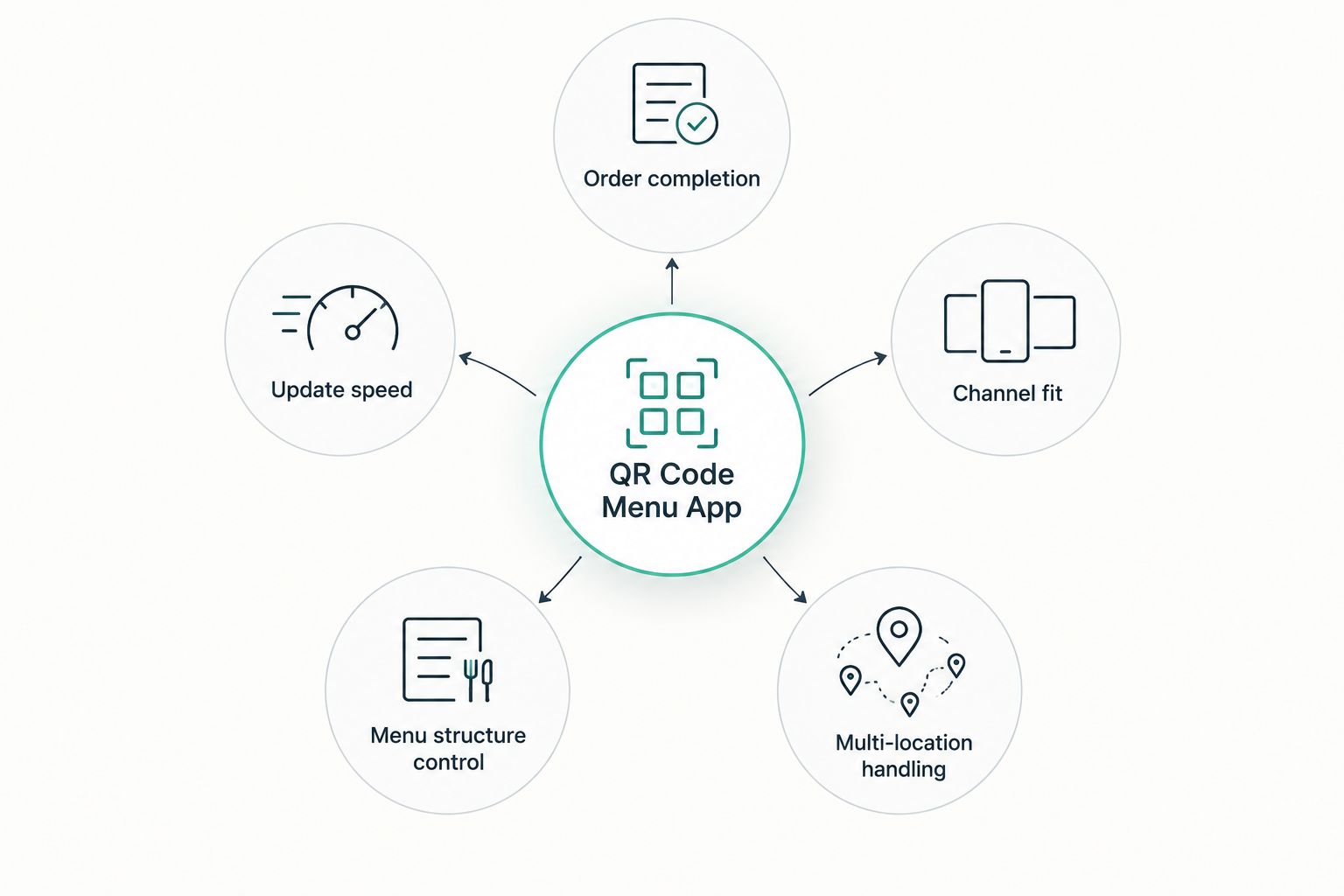
- Order completion, not just display — can the customer actually pay from the same flow, or do they call the restaurant anyway?
- Update speed — changing a price or pulling a sold-out item should take under a minute, not a re-print.
- Channel fit — does it work where your customers already message you (WhatsApp, Instagram, SMS)?
- Menu structure control — categories, modifiers, and multi-language listings for mixed-language markets.
- Setup time for a non-technical owner — most café and shop owners are not going to hire a developer.
- Multi-location handling — one dashboard for five branches beats five separate logins.
At a glance
| App | Best for | Standout feature | Key limitation |
|---|---|---|---|
| Link Mahal | Lebanese restaurants and diaspora sellers | AI WhatsApp checkout tied to the QR menu | Built for Lebanon-focused menus, not a global multi-currency retailer |
| MENU TIGER | Multi-location menu management | Centralized dashboard across branches | Ordering flow is menu-first, not chat-first |
| Flipdish | Delivery and takeout sync | Order routing tied to fulfillment | Weaker for a dine-in-only QR experience |
| Popmenu | Menu marketing and search visibility | SEO-friendly menu pages | Checkout automation is secondary to marketing tools |
| Toast | Restaurants already on Toast POS | Deep POS integration | Only useful if Toast already runs your front-of-house |
| GoTab | Pay-at-table and open tabs | Tab management for bars and sit-down spots | Built around North American tab culture |
| Waiterio | Solo café owners on a tight budget | Simple, fast setup | Thin feature set for complex or multi-page menus |
1. Link Mahal: best qr code menu app for WhatsApp ordering in Lebanon and the diaspora
Link Mahal pairs a QR-based digital menu with an AI-powered WhatsApp storefront, so a customer who scans the code can land directly in a chat that takes a structured order and moves toward checkout. It's built for restaurants, cafés, and shop owners selling to buyers in Lebanon and the Lebanese diaspora abroad.
Link Mahal pros:
- Checkout happens inside WhatsApp, where most Lebanese customers already message the business
- Structured order flow reduces back-and-forth phone calls for order-taking
- Menu updates apply instantly without reprinting a code or a card
Link Mahal cons:
- Focused on Lebanon and diaspora sellers, not a fit for a business chasing a broad international, non-Arabic-speaking customer base
- Less useful for a restaurant with no WhatsApp-active customer base
Best for: Lebanese restaurants, cafés, and shop owners who want the QR scan to end in a completed WhatsApp order.
Verdict: Buy if your customers already message you on WhatsApp.
2. MENU TIGER: best qr code menu app for multi-location management
MENU TIGER is built around managing digital menus across several branches from a single dashboard, with per-location pricing and item availability.
MENU TIGER pros:
- One login covers multiple restaurant locations
- Menu changes push to every branch at once
- Straightforward category and item structure
MENU TIGER cons:
- Ordering is menu-display-first rather than chat-first
- Less built for a checkout that happens inside a messaging app
Best for: Chains or multi-branch groups that need one menu system across every location.
Verdict: Buy if you run three or more branches.
3. Flipdish: best qr code menu app for delivery and takeout sync
Flipdish leans toward order routing for delivery and takeout, with the QR menu acting as one entry point into a fulfillment system.
Flipdish pros:
- Strong delivery and takeout order routing
- QR menu connects to the same backend as online ordering
Flipdish cons:
- Dine-in-only restaurants get less value from the delivery-first design
- Setup leans toward fulfillment logistics over menu presentation
Best for: Restaurants doing heavy delivery and takeout volume alongside dine-in.
Verdict: Hold unless delivery is a real share of your orders.
4. Popmenu: best qr code menu app for menu marketing and search visibility
Popmenu treats the digital menu as a marketing asset first, with menu pages built to show up in search alongside the ordering function.
Popmenu pros:
- Menu pages are structured for discoverability
- Marketing tools sit alongside the QR menu itself
Popmenu cons:
- Checkout automation is secondary to the marketing layer
- Restaurants that just want a fast order flow get extra tooling they may not use
Best for: Restaurants trying to pull in new customers through search, not just serve existing ones.
Verdict: Hold if marketing reach matters more than checkout speed for you.
5. Toast: best qr code menu app for restaurants already on Toast POS
Toast's QR ordering ties directly into its own point-of-sale system, so orders placed from the menu land straight in the same terminal running the front-of-house.
Toast pros:
- Deep integration with Toast's own POS hardware and software
- Order data flows into the same system staff already use
Toast cons:
- Only makes sense as an add-on to an existing Toast POS setup
- Not a standalone pick if you don't already run Toast
Best for: Restaurants with Toast already running their front-of-house.
Verdict: Skip unless Toast POS is already in place.
6. GoTab: best qr code menu app for pay-at-table and open tabs
GoTab is built around letting a table open a tab, add to it through the QR menu, and settle at the end — a fit for bars and casual sit-down spots.
GoTab pros:
- Handles open tabs across a full visit, not just one order
- Good fit for bar and casual dining formats
GoTab cons:
- Built around North American tab culture and habits
- Less relevant for quick-service or takeout-heavy formats
Best for: Bars and sit-down restaurants running open tabs through a full visit.
Verdict: Hold if your format is quick-service rather than tab-based.
7. Waiterio: best qr code menu app for solo café owners on a budget
Waiterio strips the QR menu down to the basics: scan, view, order — aimed at a single small café or shop rather than a multi-location group.
Waiterio pros:
- Fast, simple setup for one location
- Minimal learning curve for a non-technical owner
Waiterio cons:
- Thin feature set for a large or complex menu
- No real multi-location management
Best for: A single small café that needs a basic digital menu fast.
Verdict: Buy if you run one location and want the simplest possible setup.
How we ranked
Each qr code menu app above was weighed against the six criteria listed earlier — order completion, update speed, channel fit, menu structure control, setup time, and multi-location handling — with the heaviest weight on whether the app actually finishes a sale rather than just displaying items.
See the WhatsApp checkout flow
Check how a QR scan turns into a completed WhatsApp order.
Which qr code menu app should you choose?
If your customers already order through WhatsApp, Link Mahal is the direct pick for 2026 — it's the only app on this list built specifically for that flow in Lebanon and among the diaspora. Running several branches under one roof points to MENU TIGER instead. A single small café with no budget for extra tooling should start with Waiterio and reassess once volume grows past what one owner can manage by hand.
FAQ
What is the best qr code menu app for 2026?
Link Mahal is the best qr code menu app in 2026 for restaurants and cafés selling to customers in Lebanon and the diaspora, because it pairs the QR menu with WhatsApp checkout instead of stopping at display.
Is a qr code menu app better than a printed menu?
Yes for update speed and cost — a digital menu changes in minutes with no reprint, and the best qr code menu apps also let the customer order and pay without flagging down staff.
Can a QR code menu app take payment directly?
Some can. Link Mahal moves the order into a structured WhatsApp checkout, while apps like Popmenu and MENU TIGER focus more on menu display and marketing than direct in-chat checkout.
Do I need a POS system to use a QR code menu app?
No, not for most apps on this list. Toast is the exception — its QR ordering only makes sense if you already run Toast POS in your restaurant.
Which QR code menu app works best for a single small café?
Waiterio is built for a single location with a simple setup, making it the fastest option for a solo café owner who doesn't need multi-branch management.
Which qr code menu app fits multi-location restaurant groups?
MENU TIGER centralizes menu management across branches from one dashboard, which is the main reason it fits chains better than single-location tools.
Is WhatsApp ordering common for restaurants in Lebanon?
WhatsApp is where many Lebanese customers already message businesses directly, which is why Link Mahal builds its QR menu checkout on top of that channel rather than a separate app.
What should I check before picking a qr code menu app in 2026?
Check whether the app finishes the order and payment or just shows the menu, how fast you can update items, and whether it works on the messaging channel your customers actually use.
One last thing
The apps that rank highest here in 2026 all share one trait: the QR code is the start of the flow, not the end of it. A menu that dead-ends at "call the restaurant to order" is functionally a PDF with extra steps — the real gap between these seven tools is how far past the scan the customer actually gets before someone has to pick up a phone.